
FlashX is not just an app — it's your world. Share Flicks, play Arena games, connect through Blend, discover books, and chat with an AI. All in one dark, futuristic platform.
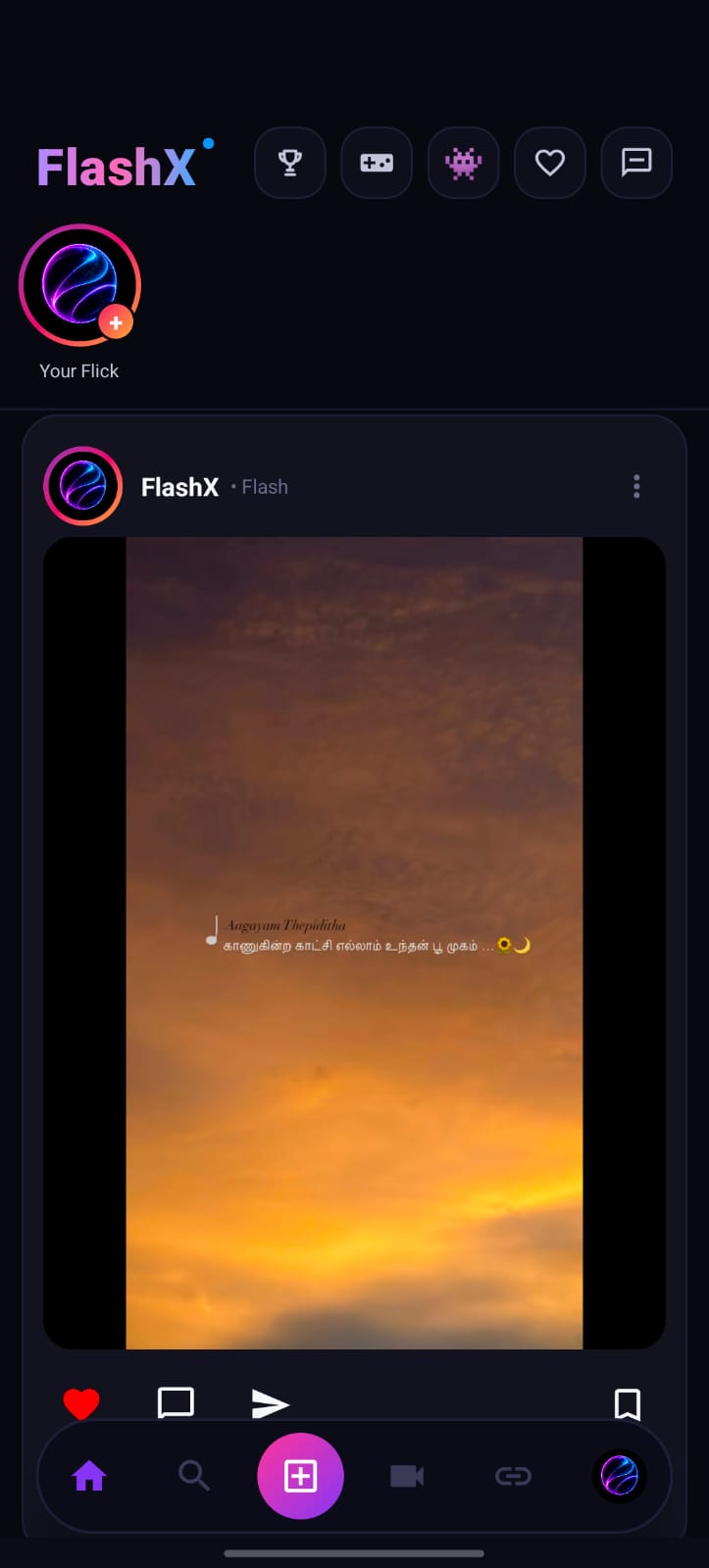
FlashX combines social media, gaming, AI, and content discovery — all in one sleek dark platform.
Discover a rich home feed called Flicks — scroll through vertical photo and video posts. Like with a double-tap, save, comment, and share instantly.
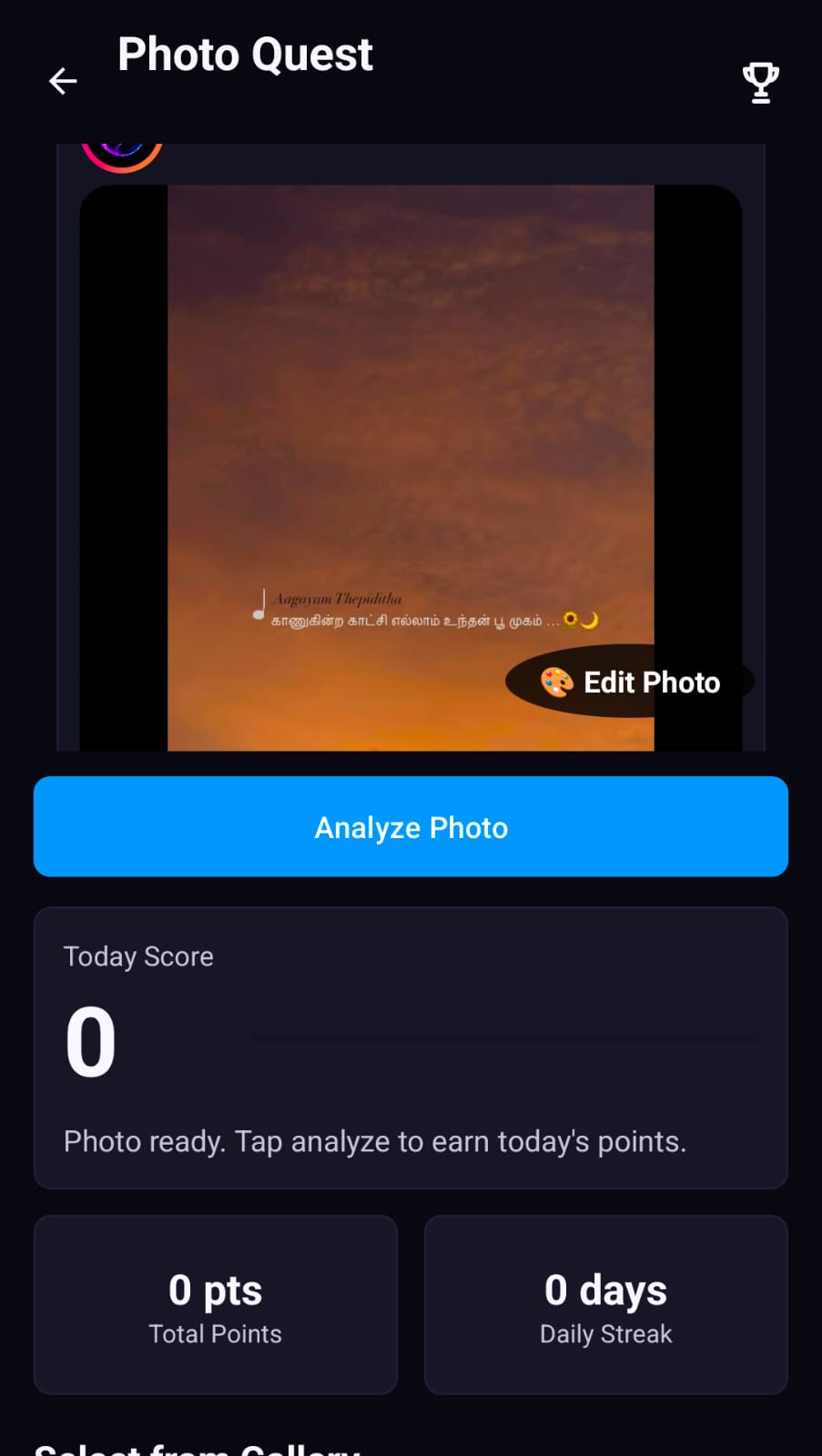
Rivox AI analyzes your photos and scores them daily. A gamified photography challenge — take better photos, earn more points, build streaks!
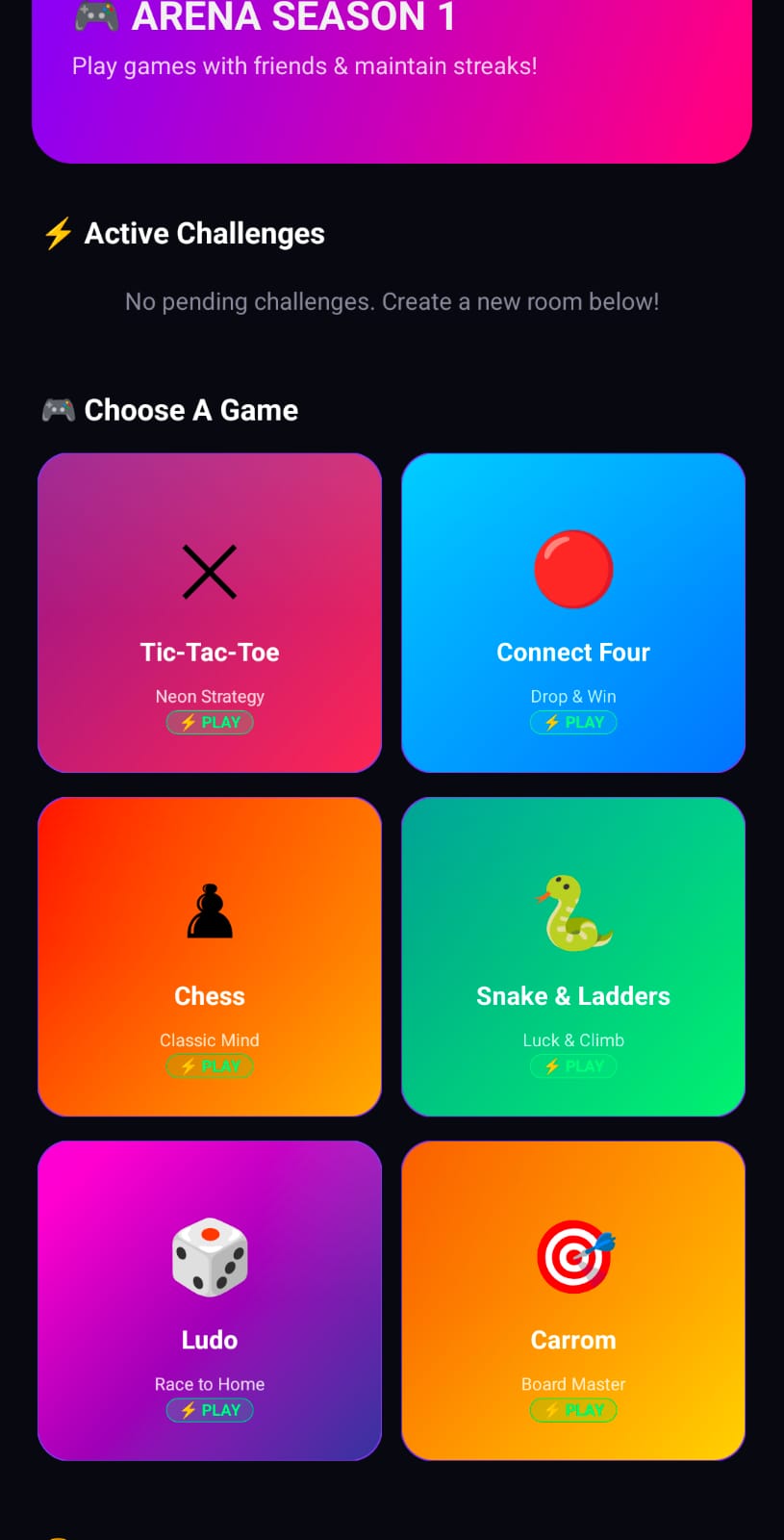
Play classic games with friends in real-time right inside FlashX! Chess, Ludo, Tic-Tac-Toe, Carrom, Snake & Ladders, and Connect Four.
Host or join live video and voice call rooms. Create public rooms for anyone to join, or secret private rooms with a unique room ID.

Blend is FlashX's most unique feature — a private space for two people to connect, share photos, videos, and reactions. A home-screen widget keeps you close at all times.
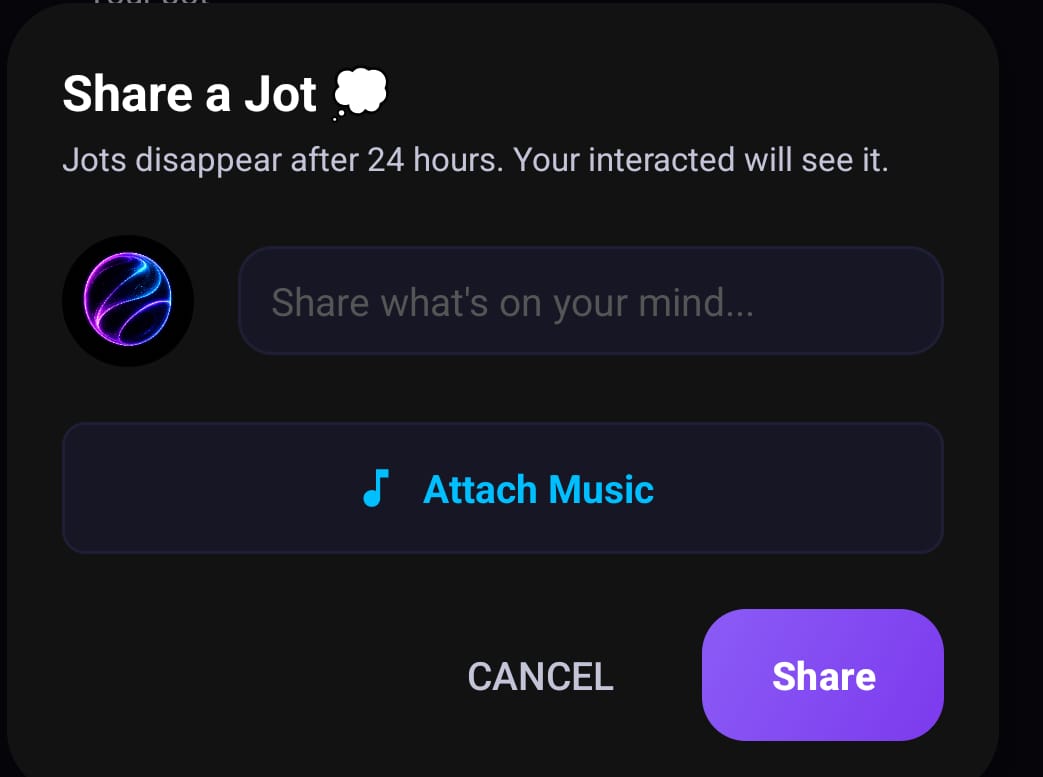
Share 24-hour text thoughts with custom background music. Express your daily mood, quote your favorite song, and connect with your friends.

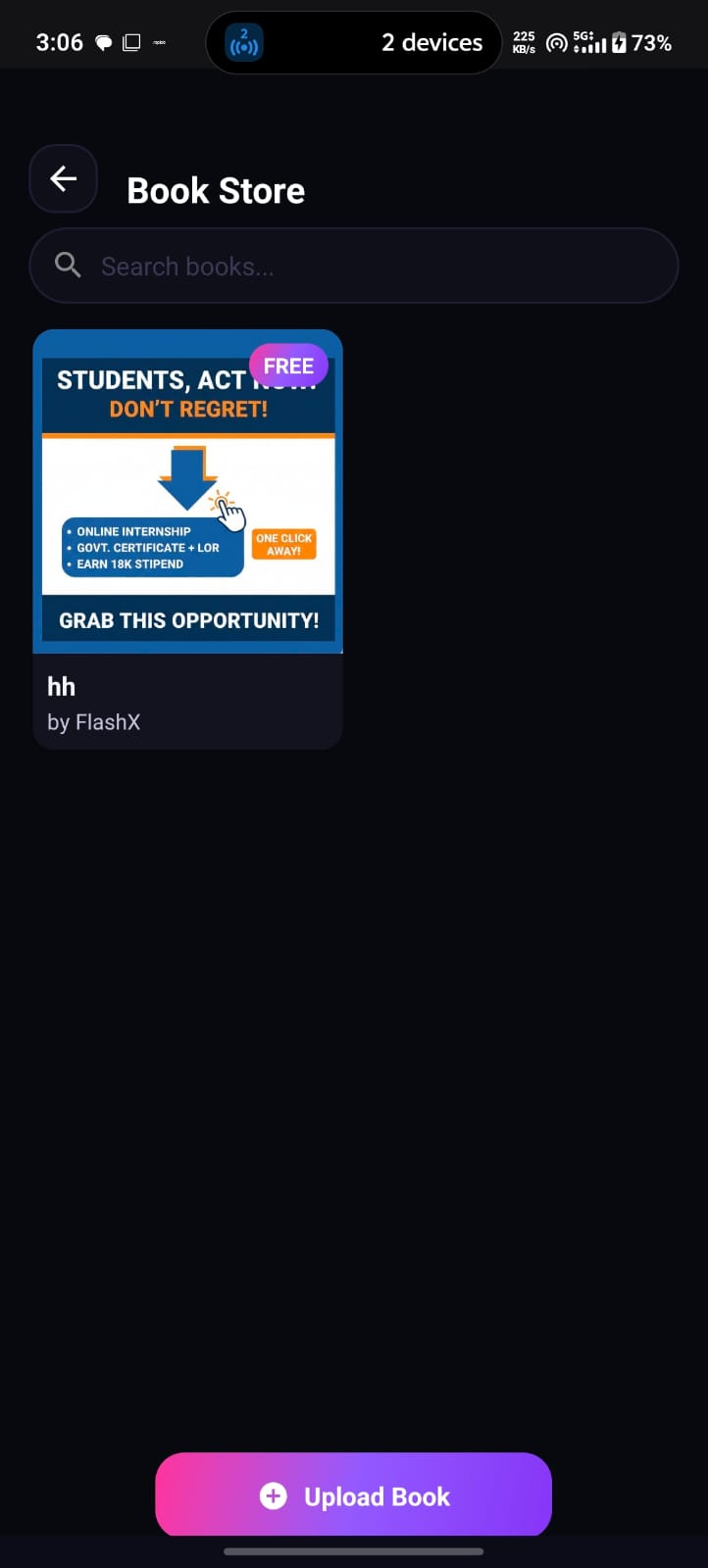
FlashX has its own Book Store where creators can upload books and users can browse, search, and read them inside the app.

Rivox AI is the intelligent assistant living inside FlashX. Ask it anything, get help writing captions, generate ideas for posts, or get smart photo analysis.
Get started in seconds. Everything you need to make the most of FlashX.
Double-tap any photo to like it. Swipe through Flicks. Tap stories at the top to view 24hr updates.
Tap the glowing + button at the center of the bottom bar to post a photo or video.
Tap the 🎮 icon → choose a game → challenge a friend in real-time multiplayer.
Tap the pink heart → invite partner by username → share private photos & add home widget.
Open menu → Rivox AI → get instant AI-powered answers, caption ideas & creative suggestions.
Tap trophy icon → "Analyze Photo" → Rivox AI scores your photo daily. Build your streak!
Download FlashX directly to your Android phone from Google Play Store. 100% free. No ads.
Building the next generation of social media, AI integration, and real-time connectivity.
Rajkumar is an innovator and software developer passionate about creating seamless, high-performance social platforms. FlashX was created to unite real-time communication, artificial intelligence, multiplayer gaming, and community discovery in one dark, futuristic app.
Have a question, bug report, or business enquiry? We'd love to hear from you. Reach out anytime!